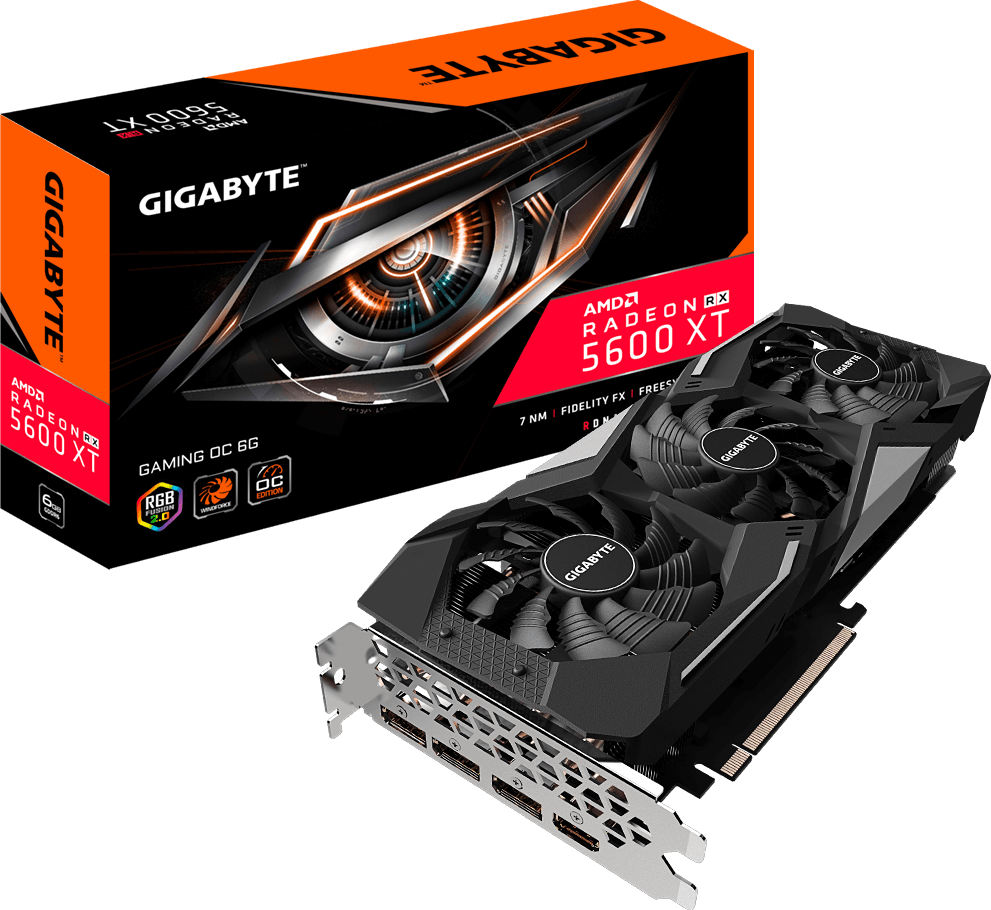
Radeon RX 5600 XT GAMING OC 6G
gigabyte

Radeon RX 5600 XT GAMING OC 6G

vendor page ↗ · scraped 8h ago

Vendor
gigabyte
GPU chip
Radeon RX 5600 XT
CUDA cores
Core clock (MHz)
1620
Memory size (GB)
6
Memory type
GDDR6
Memory bus (bits)
192
Card bus
PCI-E 4.0 x 16
Length (mm)
279
Recommended PSU (W)
450
Power connectors
8 Pin*1
HDMI
1
DisplayPort
3
Full specifications (21 fields)
{
  "note": "* “Boost Clock” is the maximum frequency achievable on the GPU running a bursty workload. Boost clock achievability, frequency, and sustainability will vary based on several factors, including but not limited to: thermal conditions and variation in applications and workloads. * “Game Clock” is the expected GPU clock when running typical gaming applications, set to typical TGP (Total Graphics Power). Actual individual game clock results may vary. **One-click flash for 14000 MHz memory clock step: 1. Go to the \"Support\" page in the upper right, then choose the BIOS category. 2. Download the \"FA0\" BIOS and decompress the zip file. 3. One-click the \"GVFLASH.exe\", and it will start to flash BIOS to 14000 MHz. 4. Restart your PC.",
  "opengl": "4.6",
  "output": "DisplayPort 1.4 *3 HDMI 2.0b *1 ::selection { color: rgba(255, 100, 0, 1); background: rgba(0, 0, 0, .5); } #model-header > ul > li.active > a{ color:#ff6400; } #pnl_version > span > a{ color:#ff6400; }",
  "directx": "12",
  "card_bus": "PCI-E 4.0 x 16",
  "pcb_form": "ATX",
  "card_size": "L=279.85 W=114.35 H=49.55 mm",
  "core_clock": "Boost Clock* : up to 1620 MHz (Reference card: 1560 MHz) Game Clock* : up to 1560 MHz (Reference card: 1375 MHz)",
  "memory_bus": "192 bit",
  "multi-view": "4",
  "accessories": "Quick Guide",
  "memory_size": "6 GB",
  "memory_type": "GDDR6",
  "memory_clock": "12000 MHz**",
  "recommended_psu": "450W",
  "power_connectors": "8 Pin*1",
  "stream_processors": "2304",
  "process_technology": "7 nm",
  "graphics_processing": "Radeon RX 5600 XT",
  "digital_max_resolution": "7680x4320",
  "memory_bandwidth_(gb/sec)": "288 GB/s"
}